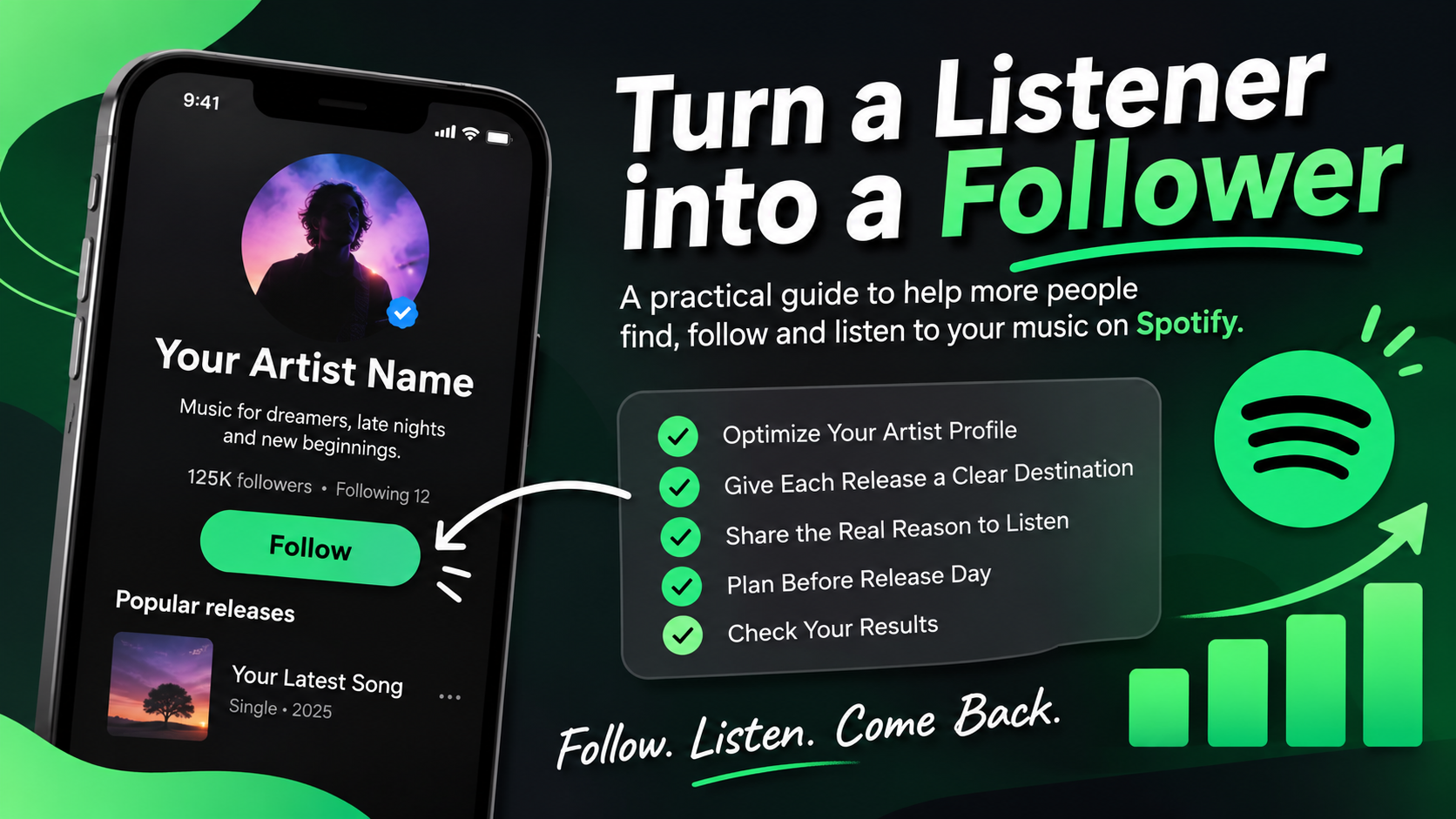
A person can enjoy one of your songs and still forget to follow your artist profile. That matters because a stream is a single listening moment; a follower gives you a better chance of reaching that listener again when you release music. Spotify says followers can receive an artist’s new releases through features such as Release Radar, although recommendations are personalized and no placement or number of streams is guaranteed.
This guide is about closing that gap: making it easy for someone who discovers a track to understand who you are, find more of your music, and choose to follow you. It is not a shortcut to streams. It is a practical artist-profile and promotion checklist you can use before and after a release.
First, know what you are asking listeners to do
“Listen to my new song” is a clear request, but it ends after one play. If your goal is to build a lasting audience, give people a next step that makes sense: follow your artist profile, save the track if they genuinely want to return to it, or explore another song that fits their taste.
Keep the request honest and optional. Do not offer rewards for streams, ask people to play a track repeatedly, or imply that following guarantees a particular listening experience. The point is to help interested listeners find you again.
Make your artist profile answer three questions
When someone taps your artist name, they should quickly understand what you make, which release to start with, and where to go next. Review your profile as if you were a new listener who has never heard of you.
- Who is this artist? Use a recognizable profile image and a concise bio that describes your sound or point of view in plain language.
- Which track should I hear first? Keep the most relevant current release easy to find. Spotify for Artists lets eligible teams use Artist Pick to highlight music or other content on the profile.
- What else can I explore? Check that your artist name, releases, images and links are accurate and consistent. Remove outdated announcements when they no longer help a new visitor.
Do not turn the bio into a list of keywords. A specific description of your sound and the people likely to enjoy it is more useful than repeating “new music,” “best artist,” or other generic claims.
Give each release one clear destination
Before sharing a song, decide where each post should send people. If the post is about one track, link directly to that track. If you are introducing your overall sound, link to your artist profile. Avoid making people search for the song after they click.
Use the same destination consistently across your announcement, short video, email, website and profile links. If you use a smart-link page, check it on a phone and make sure Spotify is visible without a confusing chain of extra steps. Test the link while signed out or in a private browser so you can see what a new visitor sees.
Promote the reason to listen, not just the link
A bare Spotify URL gives a person little reason to stop scrolling. Build the post around something specific about the music: the story behind a lyric, the sound that inspired the production, a live performance moment, or a short section that fits the mood of the track.
Then make the action clear. For example: “If this sound is your thing, hear the full track on Spotify and follow the artist profile for the next release.” Use wording that fits your voice; do not paste the same sales line into every post.
Adapt the creative to the platform instead of reposting an unchanged streaming link everywhere. A vertical performance clip, a lyric explanation, and a behind-the-scenes post can each introduce the same song from a different angle. Make sure viewers can identify the song and artist even if they encounter the video without sound.
Prepare before release day
Do not wait until the song is live to fix your profile or plan your announcement. Spotify for Artists recommends preparing a release strategy and using its artist tools to help listeners find new music. Its current guidance also says an unreleased song should be delivered early enough to appear in the Upcoming section; pitching at least seven days before release is the stated deadline for inclusion in followers’ Release Radar. Playlist consideration is not guaranteed.
- Confirm the release is mapped to the correct artist profile.
- Review your image, bio, Artist Pick and profile links.
- Prepare a few distinct posts: an introduction, a release-day post and a later post with a different angle.
- Test the track and profile links on mobile.
- Ask existing fans to follow if they want to hear future releases; do not promise that every follower will receive every track in the same way.
Spotify’s new-release guide describes available tools and planning ideas. The exact features available can depend on your account, market and release setup, so check Spotify for Artists for the current options.
Measure whether the profile is converting
Streams alone do not tell you whether a release is building an audience. In Spotify for Artists, review the available audience and release data alongside your social post results. Ask a few practical questions:
- Which post or source brought people to the song or artist profile?
- Did profile visits and followers change during the campaign?
- Which creative earned meaningful attention, such as saves, shares, comments or link clicks?
- Did listeners explore another track, or did activity stop at the first click?
Compare similar periods and treat small changes cautiously. A short campaign or a small number of listeners cannot prove that one caption caused a result. Use the data to choose what to test next—for example, a clearer profile introduction, a different video opening, or a direct link to the artist profile instead of a single track.
Common reasons listeners do not follow
- The profile feels unfinished: missing images, an outdated Artist Pick or unclear bio can make a new visitor unsure what to expect.
- The link creates friction: people land on the wrong release, a broken page or a link hub with too many choices.
- The follow request has no context: tell listeners what following helps them find, such as future releases or regular music updates.
- The promotion is all repetition: sharing the same cover and link repeatedly gives people no new reason to pay attention.
- The numbers are treated as the goal: a larger follower or stream count is not proof that real listeners connected with the music. Focus on reaching people who are likely to care about the next release.
A simple checklist for your next release
Before publishing your next promotion, make sure the profile is current, the destination link works, each post offers a real reason to listen, and the follow request is clear but not pushy. Afterward, review profile visits, follows, saves, link activity and the content that prompted them. Keep the parts that helped people discover more of your music and change one thing at a time.
For Spotify-specific service options, compare the current listings on the SMMCute services page and read each service description and conditions before choosing. Promotion services do not replace profile preparation, music quality or a genuine audience connection.
Spotify feature names and availability can change. Check Spotify for Artists’ current guidance before planning a release.