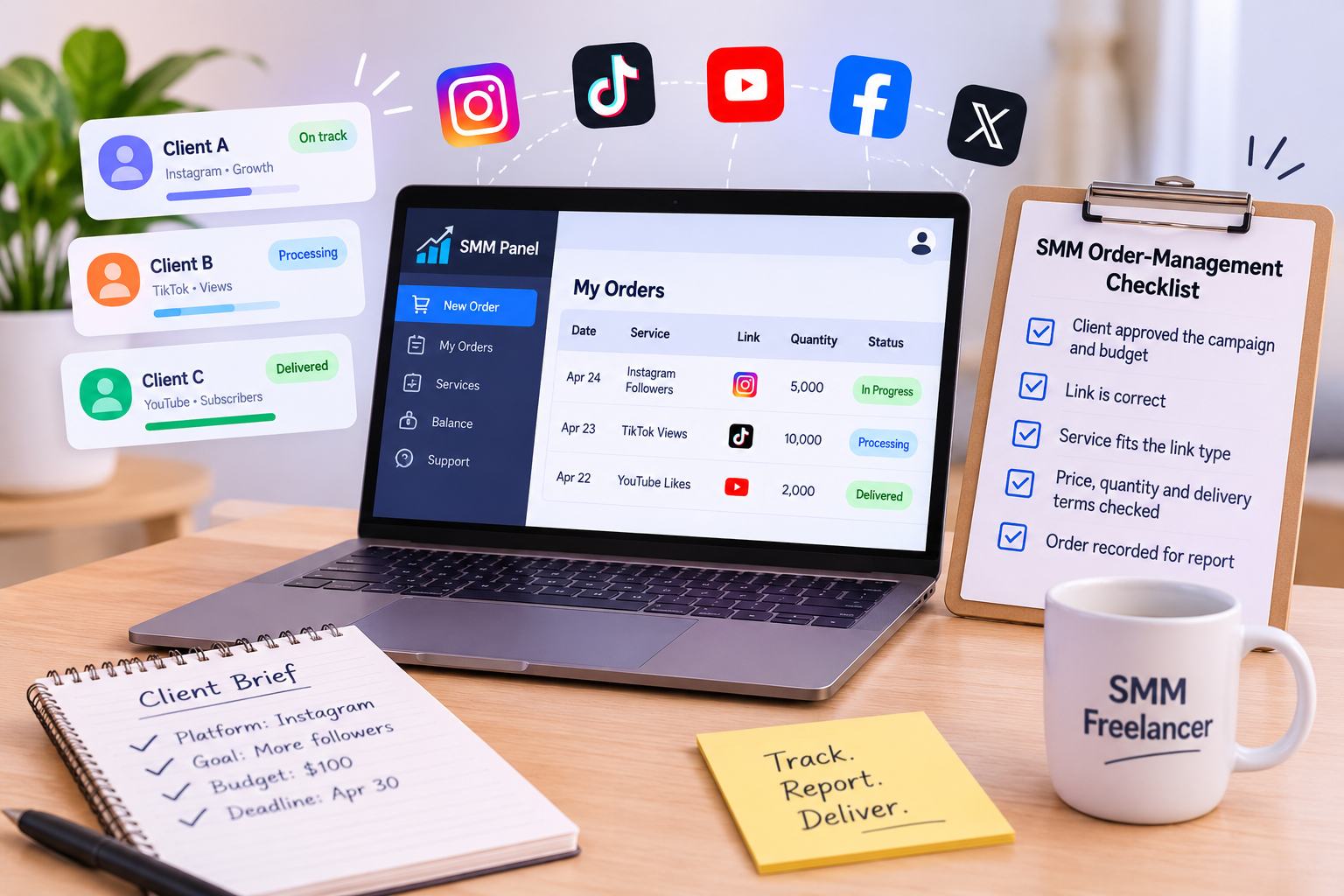
Freelance social media managers often handle several client accounts at once. Each client may have different platforms, goals, budgets and deadlines. Without a clear process, it becomes easy to lose track of what was ordered, which link was submitted or when a campaign needs to be reviewed.
An SMM panel can bring service selection and order tracking into one account. It does not replace a content strategy or guarantee a campaign result, but it can help freelancers organize certain parts of their workflow.
What freelancers should check before using an SMM panel
Before using a panel for client work, understand what its services do and what conditions apply. Review each service’s description, minimum and maximum order, delivery estimate, and any refill or refund terms. These details can differ between services, even on the same panel.
Also check how orders are tracked and how to contact support if something goes wrong. Never promise a client a specific number of followers, views, enquiries or sales based only on a service listing.
If you are new to the subject, start with our guide to what an SMM panel is and how it works.
1. Get a clear brief from the client
Before choosing a service, confirm what the client wants to promote and what they expect the campaign to achieve. Write down:
- Which platform and account are involved
- The post, profile, video or other link to use
- The requested quantity and campaign budget
- The timing and any client approval deadline
- What you will report back to the client
Make sure the client owns or has permission to promote the account or content. Confirm that the link is correct and publicly accessible if the service requires it.
2. Match the service to the campaign
Do not choose a service just because its name sounds suitable or its price is low. Read the full description and check that the service accepts the type of link you plan to submit.
For example, a service intended for a profile may not accept a post link. Delivery conditions and order limits can also vary. If anything is unclear, ask the client before placing an order and contact the panel’s support team when you need clarification.
3. Keep a separate record for each client
Use a simple spreadsheet or project board to record each order. Include the client name, platform, service, link, quantity, cost, order date, order status and any relevant service conditions.
This record helps you answer basic questions quickly: What was ordered? Which client approved it? Is it still processing? When should you check the result? It also makes monthly reporting easier.
Avoid putting private account passwords or sensitive client details into an order record. Use the access and approval process agreed with the client.
4. Track order status and follow the listed conditions
After placing an order, check its status through the panel and keep the client informed if the timing changes. An estimated delivery time is not a guaranteed completion time. If the order is delayed, partial, canceled or otherwise different from what you expected, review the service terms and contact support through the appropriate channel.
If a service includes a refill period, note its exact conditions and deadline. Do not tell a client that every service includes a refill or that a refill covers every type of decrease.
5. Report clearly without overstating results
A client report should separate what you ordered from what the client’s account achieved. Include the campaign activity, order status, cost and any relevant changes you can observe. Explain what the data does and does not show.
For example, a change in follower count does not automatically prove that a campaign generated sales or reached the client’s intended audience. Be transparent about the limits of the information available and avoid presenting correlation as proof.
6. Review platform and client requirements
Social platforms set their own rules for engagement and account activity. Before using a third-party promotion service, review the relevant platform policies and discuss potential risks with the client. Make sure the client approves the work and understands the service conditions.
A panel should be one operational tool in a broader client workflow. Useful content, a clear offer, audience research and honest reporting still matter.
A simple order-management checklist
Before placing an order, confirm:
- The client approved the campaign and budget.
- The account or content link is correct.
- The selected service accepts that link type.
- You reviewed the price, quantity limits and delivery terms.
- You recorded the order details for your client report.
Freelancers can use an SMM panel to keep service orders organized, but good client work depends on clear expectations and accurate records. You can review the current options on the SMMCute services page and check each service’s details before making a recommendation.