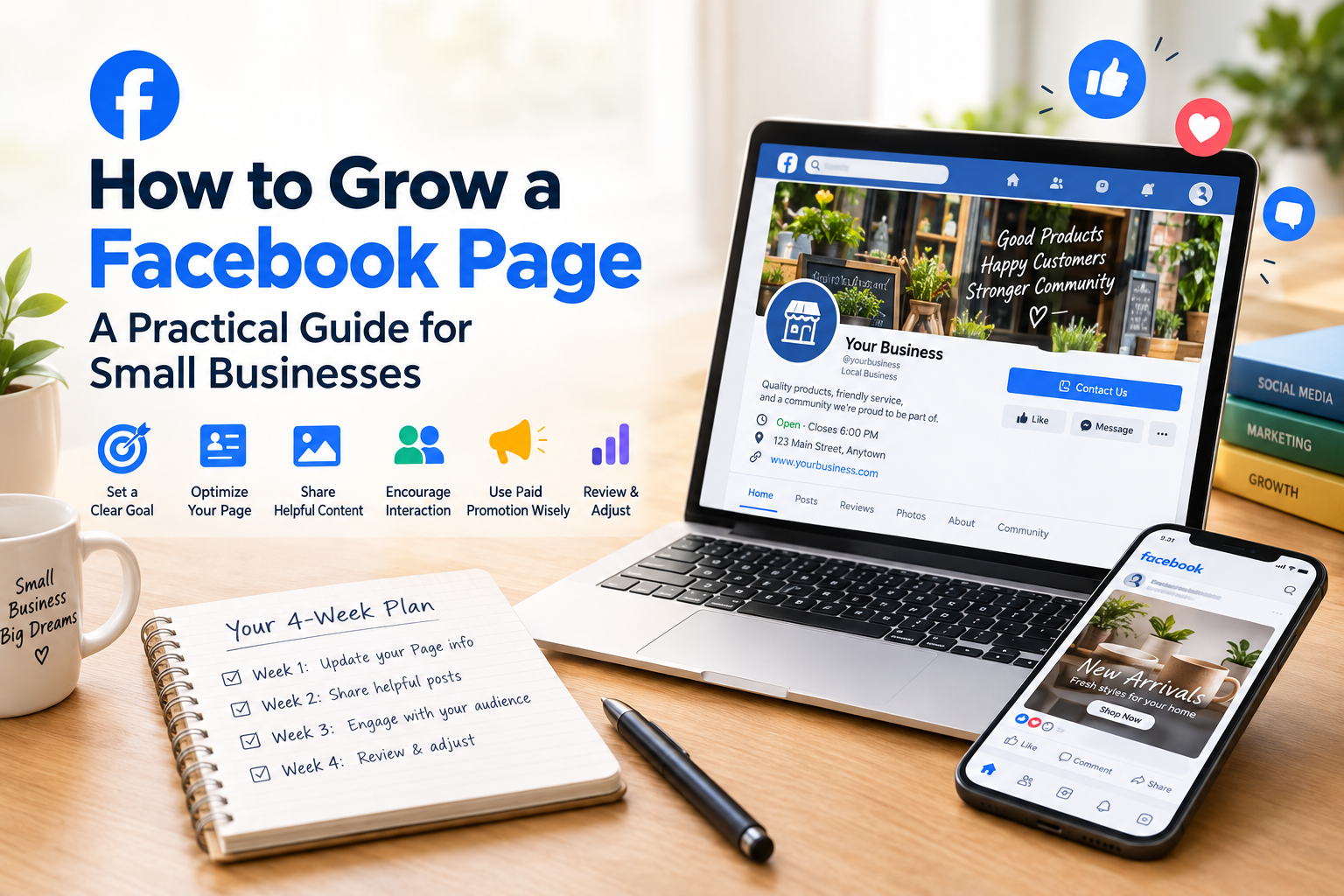
How to Grow a Facebook Page: A Practical Guide for Small Businesses
A Facebook Page can help a small business share updates, answer customer questions, and stay visible to its community. But simply creating a Page and posting occasionally usually isn’t enough. People need a reason to follow it, and they need to understand what your business offers when they visit.
This guide covers practical ways to build a more useful Facebook Page, plan content, encourage real interaction, and measure whether your efforts are helping.
Start with a clear goal
Before changing your Page or planning posts, decide what you want it to do. A local restaurant might want more people to view its menu or visit its location. A clothing shop might want customers to discover new arrivals. A service business might want more enquiries.
Choose one main goal to guide your content. Your Page can support other goals too, but trying to make every post do everything can leave visitors unsure what to do next.
Make the Page complete and easy to understand
When someone visits your Page, they should quickly understand who you are, what you offer, and how to contact you.
Review these details:
- Use a recognizable profile image, such as your logo.
- Choose a cover image that reflects your business or current offer.
- Write a short description using plain language.
- Add accurate contact details, opening hours, location, and website information where relevant.
- Set a clear button or next step, such as contacting your business or viewing your website.
Keep these details current. An outdated phone number or unclear description can cost you a potential customer even if your posts are reaching people.
Plan a useful mix of posts
A Page becomes easier to follow when its posts are helpful and varied. You do not need to publish constantly. Choose a schedule you can maintain and prepare ideas ahead of time.
For example, a small business could rotate between:
- Answers to common customer questions
- Product or service details
- Tips related to what the business sells
- New arrivals, seasonal updates, or changes in availability
- Behind-the-scenes photos or short videos
- Customer stories shared with permission
Use real information from your business. Specific details—such as how to choose the right product, what happens after someone places an order, or how a service works—are more useful than repeated promotional slogans.
Make each post clear
A post should have one main point. Use a caption that explains what the reader is seeing and why it might matter to them. If you want the reader to take an action, state it clearly.
For example, instead of writing “New collection available,” explain what is new, who it may suit, and where people can see the details. Avoid cramming several offers, links, and requests into one post.
Use images and videos that are relevant to the post. Check that text in an image is readable on a phone, and make sure the visual accurately represents the product, service, or event.
Give people a reason to interact
A Page is more useful when it helps customers communicate with your business. Reply to genuine questions, acknowledge useful feedback, and keep your responses clear and respectful.
You can invite conversation by asking a specific question related to your audience—not by adding “comment below” to every post. For example, a bakery could ask which flavor customers would like to see next. Then follow up on the responses where appropriate.
Treat comments and messages as customer conversations. If someone raises a complaint, respond calmly and move sensitive account or order details to a private channel.
Promote posts with a specific purpose
Paid promotion can help a business put a particular post or offer in front of a selected audience. Before spending money, decide what you want the promotion to achieve: visits to a page, enquiries, event interest, or another measurable action.
Start with a limited test. Track the result that matters to your goal, not just how many people saw or reacted to the post. If a promotion gets attention but no useful visits or enquiries, review the audience, message, offer, and destination before spending more.
Review results and adjust your plan
Set aside time regularly to review which posts attracted useful responses and which did not. Look for patterns: perhaps customers respond to demonstrations, clear price information, or answers to a recurring question.
Use those observations to plan the next set of posts. Do not assume one successful post guarantees the same result every time. Audience needs and business priorities can change, so keep testing and learning.
Where an SMM panel may fit
An SMM panel is one option businesses may consider when reviewing social media promotion services. The services, requirements, and delivery conditions can differ, so check the details of each listing before ordering. Treat this as a separate promotional option—not a substitute for useful content, customer service, or a clear business goal.
If you want to review the available options, see SMMCute’s Facebook SMM services. Check the service descriptions and conditions before choosing one.
A simple four-week plan
Week 1: Review your Page information and update anything incomplete or outdated.
Week 2: Publish a few useful posts based on real customer questions.
Week 3: Reply to comments and messages, and note which topics prompted meaningful responses.
Week 4: Review the results, keep what helped, and adjust the next month’s plan.
The goal is not to publish as much as possible. It is to make your Page clearer, more helpful, and easier for the right people to act on.