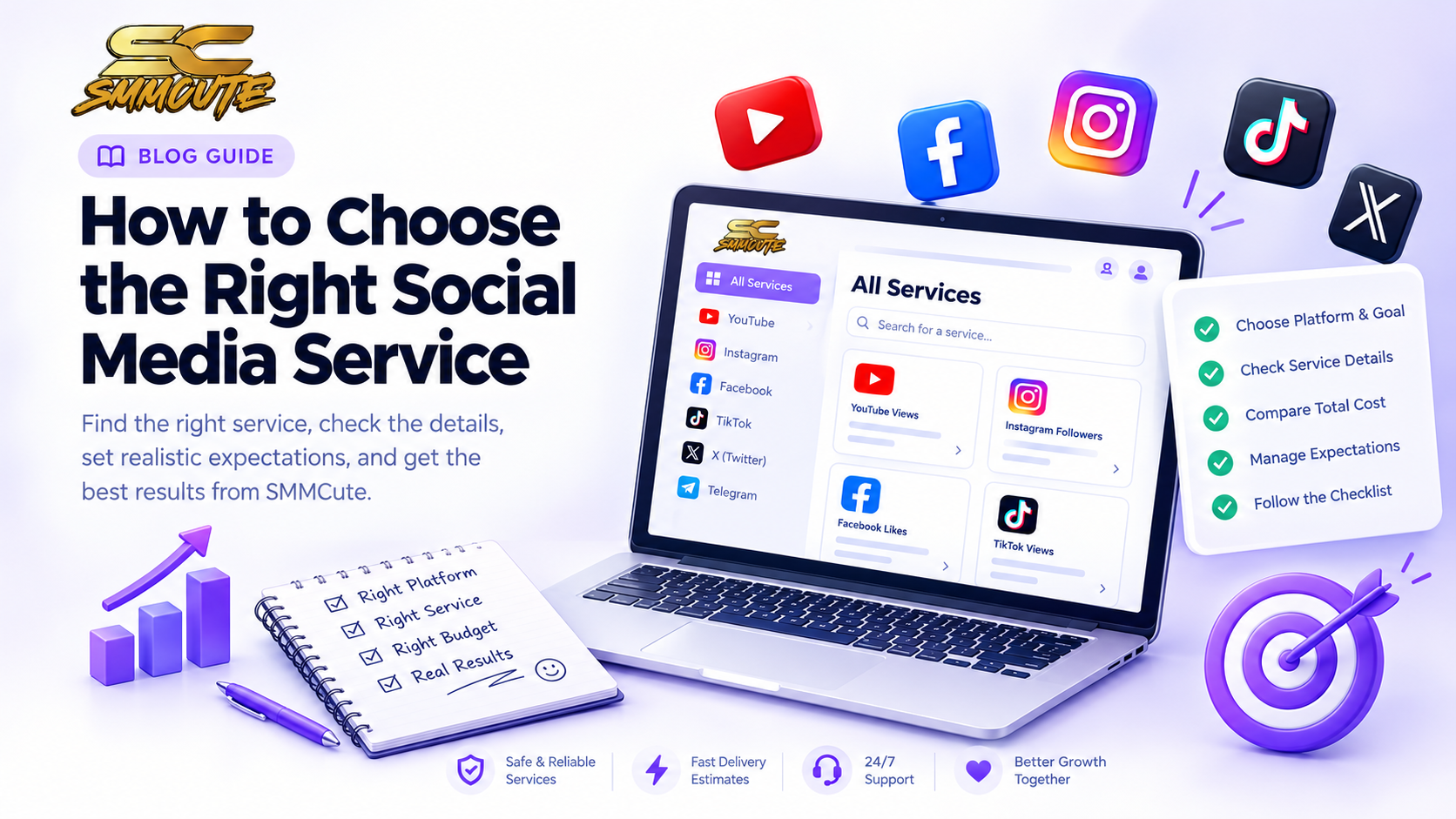
Social media services can be difficult to compare when every listing uses different names, limits and delivery details. The useful first step is not choosing the biggest number or the lowest rate. It is deciding what you want to support, then checking whether a particular service is designed for that target and whether its conditions fit your needs.
This guide explains how to browse the service categories on SMMCute, what to check in an individual listing, and how to set realistic expectations before placing an order. The available catalogue and terms can change, so use the current information shown in your account when you make a decision.
Start with the platform and the goal
Begin with the social platform where you are active, then identify the specific outcome you are considering. A profile-level service and a post-level service may require different links and serve different purposes. For example, a follower option is generally associated with an account or channel, while likes, views and comments are usually connected to a particular piece of content. Always follow the target format stated in the service description.
If you are comparing categories across several platforms, keep each goal separate. A video view on one platform does not mean the same thing as a profile follow on another, and neither alone tells you whether people are finding your content useful or returning to it.
Use the all-services page to find the right category
SMMCute's all-services page is the starting point for exploring the social media service categories available on the site. Use it to find the platform or type of service that matches your goal, then review the specific listing before you decide. The category gives you a route into the catalogue; the individual listing contains the details that matter for an order.
If you are new to the catalogue, browse by platform first. This can help narrow a broad selection into a more relevant group, but do not assume every service in a category has identical requirements or terms.
Read the full listing before ordering
Check the service name and description for the accepted profile, page, post, video or channel link. Then review its minimum and maximum quantity, displayed rate, start estimate, and any refill or cancellation terms. These details can differ between two listings that appear to offer the same type of engagement.
Make sure your account or content meets any stated requirements. A link that points to the wrong destination, a private profile, or a quantity outside the allowed range can lead to problems. If the listing is unclear, pause and ask support rather than guessing.
Compare the total cost, not just the headline rate
When a rate is shown per 1,000 units, estimate the total for the quantity you are considering. Also check the minimum order and whether that total fits your budget. A lower displayed rate does not by itself tell you that a listing is the right match; the service conditions and your intended target matter too.
Use any price example on a public page as an illustration only if it is labelled that way. Current prices, availability and terms should be confirmed in the live catalogue before ordering, since listings can be updated.
Keep expectations realistic
A service that changes a visible metric cannot guarantee that people will watch for longer, comment meaningfully, visit your website or become customers. Those outcomes depend on many factors, including the content, audience, platform and what you offer. Treat social engagement services as one part of a broader marketing plan, not a substitute for useful content or genuine interaction.
For sustainable growth, continue improving your profile, publishing content for a clearly defined audience, and reviewing which posts lead to real conversations or visits. Use metrics as feedback, but judge progress by the outcome that matters to your project—not by one number alone.
A quick checklist
- Choose the platform and the specific goal first.
- Confirm whether the service applies to a profile, channel, post, video or other target.
- Use the exact link format and check any account or content requirements.
- Review the current quantity limits, rate, start estimate and service terms.
- Confirm current availability and price in your account before placing an order.
- Keep building content and community alongside any service you choose.
To compare the categories available on SMMCute, visit the all-services page. Open the specific listing that fits your goal and read its current description and terms before ordering.