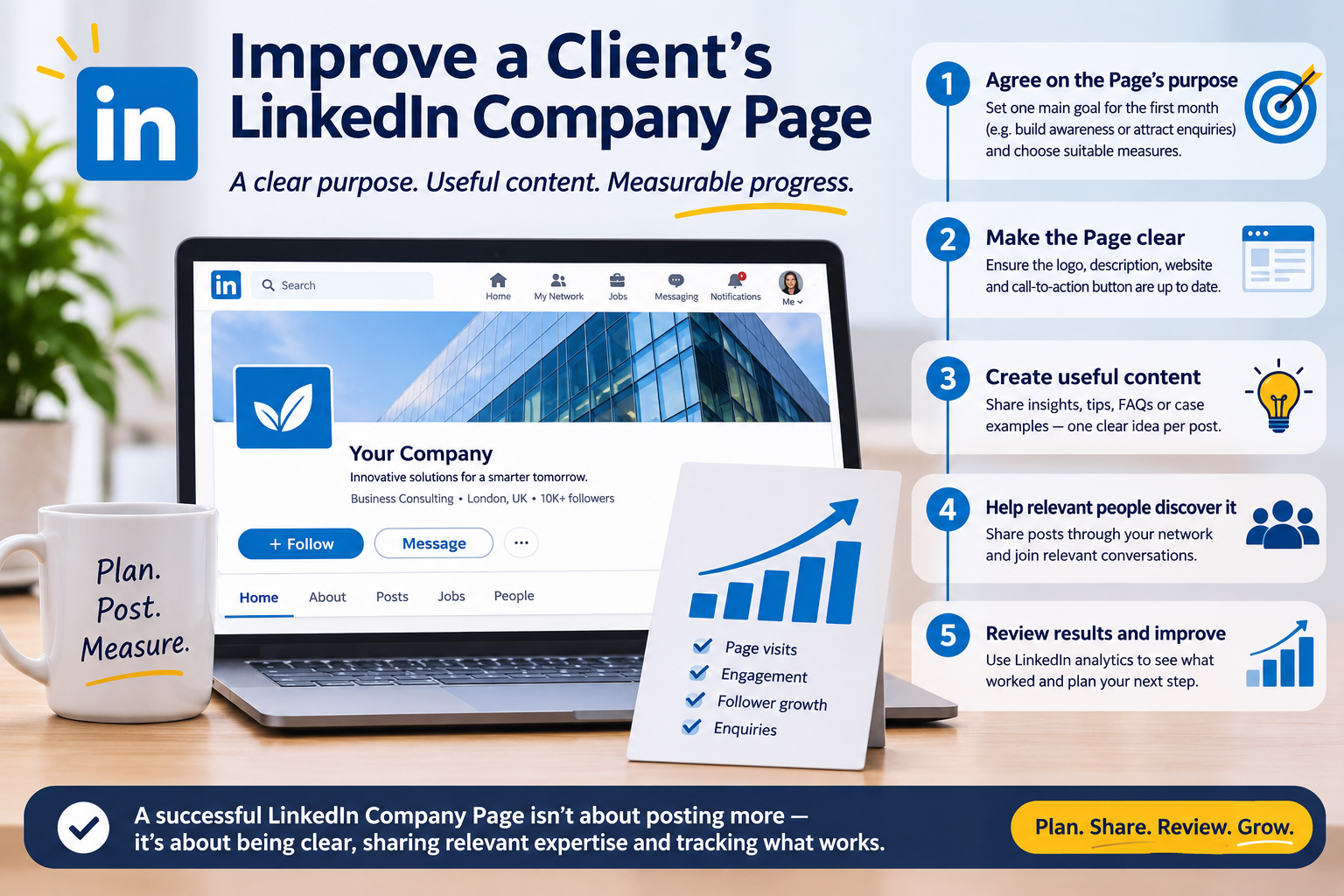
A client’s LinkedIn Company Page can have useful updates and still attract little attention. For freelancers, the fix is rarely “post more” by itself. Start by making the Page clear to the right audience, publish useful material consistently, and show the client what the activity is accomplishing.
Use this workflow to plan and improve a client’s Company Page without promising a specific number of followers, leads or sales.
1. Agree on the Page’s purpose
Ask what the client wants LinkedIn to help with. They may want to build awareness among potential customers, support recruiting, share company expertise or bring visitors to a service page.
Choose one main goal for the first month. Then agree on a few measures that suit it, such as Page visits, relevant comments, link clicks, follower growth or enquiries. Record the current numbers as a baseline so you can compare later.
2. Make the Page clear to new visitors
Review the Page as someone unfamiliar with the business. Check that its logo, cover image, description, website, location and other relevant company details are current. The description should say what the company does and who it helps in clear language.
Make sure the Page’s call-to-action button and website link work. A visitor should quickly understand what the business offers and where to go next.
3. Create posts from the client’s expertise
Ask the client’s team what customers commonly ask, what problems they help solve and what changes in their industry. Use those answers to plan useful posts, such as:
- An explanation of a common customer problem
- A practical tip or checklist from the team’s experience
- A case example, with the client’s permission
- An answer to a frequently asked question
- A product or service update that explains who it is for
Keep each post focused on one idea. Avoid turning every update into a sales pitch or filling the Page with generic motivational statements.
4. Help relevant people discover the Page
Publishing from the Company Page is only one part of distribution. The client’s team can share important posts through their own LinkedIn accounts when they choose to. A freelancer can also join relevant conversations as the Page when they have something useful to add.
LinkedIn lets eligible Page admins invite relevant connections to follow a Page. Use invitations selectively, and check the Page’s current invitation limits before planning around them.
5. Review results and improve the plan
At the end of the month, compare results with the baseline and the goal you agreed on. Look at which topics earned relevant engagement, which posts brought visitors, and whether people took the next step the client wanted.
LinkedIn Page analytics provide information about followers, visitors and content performance. Use that data to decide what to test next. Don’t treat one post or a small follower increase as proof that the whole strategy worked.
A simple monthly workflow for freelancers
- Confirm the client’s goal and audience.
- Review the Page details, links and call to action.
- Collect questions and expertise from the client’s team.
- Plan a manageable set of focused posts.
- Share useful posts through relevant company and employee networks.
- Review analytics, report findings and choose one improvement for next month.
Growing a client’s LinkedIn Company Page takes a clear purpose, relevant content and consistent review. If the client is considering promotional services, compare the current LinkedIn options on the SMMCute services page, read each service’s terms, and set realistic expectations.
References: LinkedIn Pages best practices and LinkedIn Page analytics.