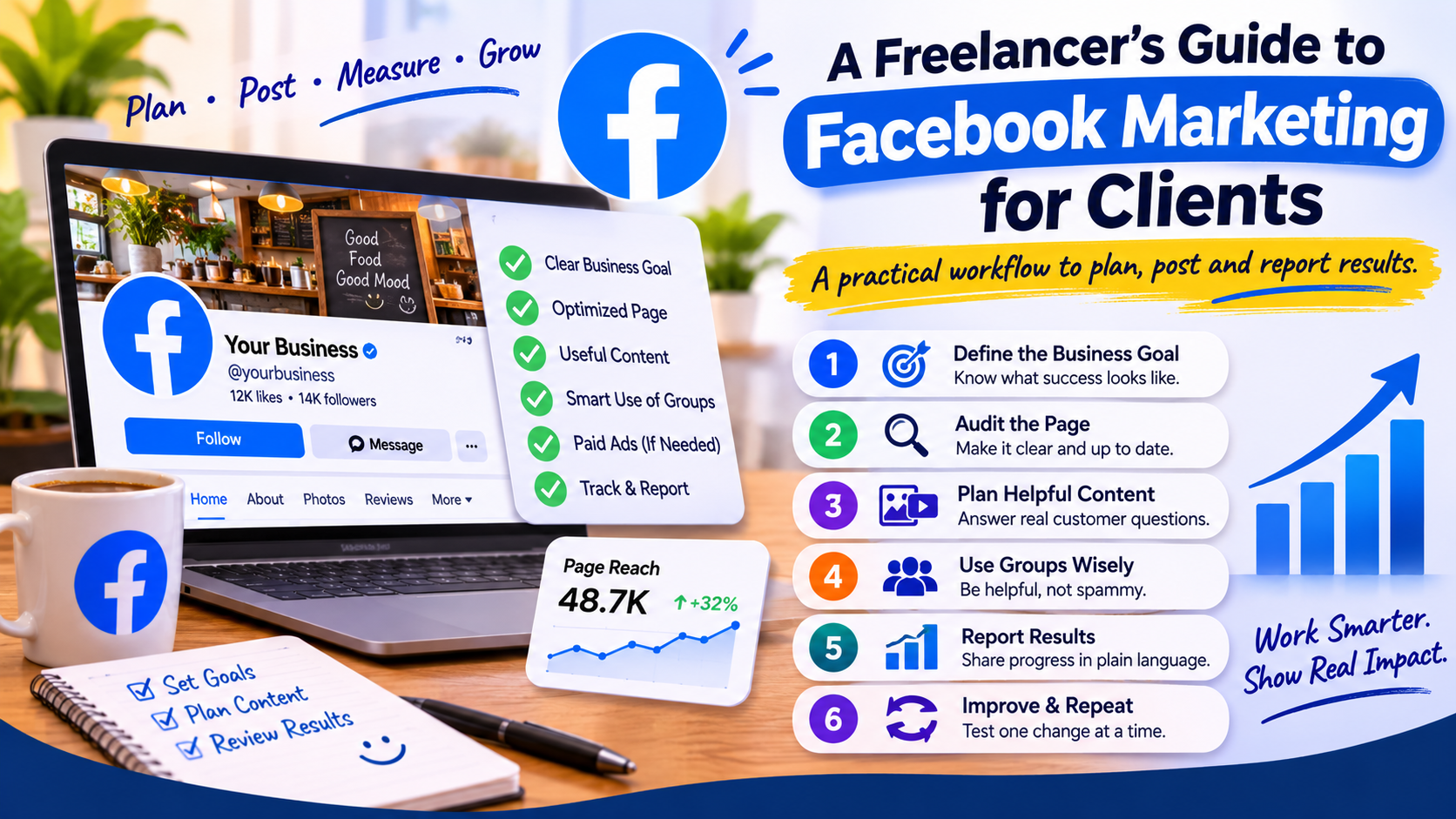
A Facebook Page can be active without helping a business. For freelancers, the useful question is not simply how often to post; it is whether the Page makes it easy for the right people to understand the business, ask a question and take the next step.
This workflow is for freelance social media managers who handle Facebook marketing for a client. It covers the work before publishing, a practical content approach and a simple way to report progress—without promising that likes or reach will automatically turn into sales.
Start with the client’s business goal
Ask what the Page should support over the next month. A restaurant may want more reservations or visits. A consultant may want qualified enquiries. A community organization may want people to attend an event. The goal changes what you publish and which results matter.
Agree on one primary outcome and record the current baseline. Depending on the business, useful measures might include Page visits, post reach, meaningful comments, messages, link clicks, event responses or enquiries. Do not select a metric just because it is easy to make it go up.
Audit the Page before promoting it
Check the Page name, category, description, contact information, location, hours and website link. Make sure the cover and profile images are current and that the Page’s action button leads to a working destination. Review recent posts for outdated prices, expired events or unanswered questions.
Then test the Page on a phone, where many customers will see it. Can they understand what the business offers and how to contact it without searching through old posts? Fixing these basics can make existing visits more useful before you spend time trying to attract more.
Plan posts that help a customer decide
Build the content plan from actual customer questions. A useful mix for a local business might include a product or service explanation, a staff or process introduction, a customer question answered clearly, an event or timely update, and a direct offer when one is available.
Give every post one purpose. A post that tries to announce a sale, explain the full business, collect feedback and drive website visits all at once is hard to act on. Use a clear image or short video, concise wording and one relevant next step.
Do not publish testimonials, customer photographs, private messages or identifiable details without the client’s permission. Check prices, dates and claims with the client before scheduling them.
Use groups and community features thoughtfully
For some businesses, local Facebook groups can help them understand questions and share relevant information. Each group has its own rules. Read them first, participate as a useful member, and do not flood groups with repeated promotional links or post from an account without the owner’s approval.
If the client manages a group as well as a Page, define which one serves which purpose. A Page can present the business and its updates; a group may support discussion among members. Do not assume every business needs both.
Separate organic posting from paid advertising
Regular Page posts and paid campaigns are different activities. If a client wants ads, agree on the objective, audience, landing page, budget, creative approval and reporting before launch. Keep ownership and billing under the client’s business assets and use the access permissions the platform provides. The freelancer should receive appropriate access rather than take over the client’s personal login.
Do not tell a client that buying Page likes guarantees customers. A larger count cannot replace a useful offer, a clear destination or a responsive business. If you evaluate any third-party promotion service, disclose what it does, check current platform rules and service terms, and avoid guaranteeing results.
Report outcomes in language the client understands
A monthly report should answer three questions: what did we do, what changed, and what will we do next? Include only a small set of metrics tied to the agreed goal. Explain unusual changes, such as a seasonal event or a one-off post, instead of presenting every number without context.
- For enquiries: report messages, calls or form submissions that can be attributed with reasonable confidence.
- For local awareness: review reach and Page or location actions alongside the content that drove them.
- For an event: track responses, link visits and attendance if the client can provide the information.
- For community activity: note useful questions, replies and recurring customer concerns.
Use tracking links when appropriate and confirm that the destination page works. Small samples are noisy, so describe early results as observations rather than proof that one post caused a sale.
A repeatable Facebook workflow for freelance managers
- Get the client’s goal, audience, offer and approval contact in writing.
- Audit Page information, action button, recent posts and mobile experience.
- Choose content topics from real customer questions and business priorities.
- Confirm assets, permissions, prices and dates before scheduling.
- Publish at a pace the client can maintain and respond to comments or messages according to the agreed scope.
- Review results against the baseline and select one practical improvement for the next cycle.
A consistent workflow helps freelancers manage multiple client Pages without treating every business the same. If a client also wants to compare Facebook engagement options, review the current service descriptions and conditions on the SMMCute services page before making a recommendation.